Elsewhere
Release TIL Research Tool Museum Sighting Comment
Filters: Sorted by date
- New
await context.browser_task()mechanism allowing agent tools to run code directly in the user's browser. #33
This is an exciting new capability: it makes it easy for Datasette Agent plugins to provide tools that execute custom JavaScript in the user's browser.
I used this to add a debug loop to Datasette Apps in datasette-apps 0.2a0.
Hot on the heels of RC1, this fixes a dependency issue and also adds two neat new features:
- The default model for users who have not set their own default is now GPT-5.6 Luna. It was previously GPT-4o mini. Luna is a much better and more recent model, albeit slightly more expensive - $0.20 per million input tokens and $1.20 per million output tokens, compared to $0.15/$0.60 for 4o mini. You can switch back to 4o mini using
llm models default gpt-4o-mini, or switch to GPT-5 nano, an even cheaper default model ($0.05/$0.40), usingllm models default gpt-5-nano. #1576- New llm openai endpoint command for running prompts, chats and model listings against arbitrary OpenAI-compatible endpoints without first configuring a model. These calls are not logged. #1565
The llm openai endpoint command is really cool. I got frustrated at the lack of an obvious CLI tool for trying out prompts against arbitrary OpenAI Chat Completions imitation endpoints, so I decided to add that to LLM itself.
You don't even have to install LLM to use this. Here's a uvx one-liner for running a prompt - with tools - against an LM Studio local model:
uvx --pre llm openai endpoint http://127.0.0.1:1234/v1 \
  T llm_version -T llm_time --td \
  -m google/gemma-4-31b 'what is the current LLM version? And the time?'
A key goal of the new content-addressable logs in LLM 0.32rc1 was being able to support OpenAI Chat Completion style requests where each incoming message extends the previous conversation, like this:
curl http://localhost:8002/v1/chat/completions \
  -H 'Content-Type: application/json' \
  -d '{
    "model": "qwen3.5-4b",
    "messages": [
      {"role": "user", "content": "Capital of France?"},
      {"role": "assistant", "content": "Paris."},
      {"role": "user", "content": "Germany?"}
    ]
  }'
Here the conversation state is tracked by the client, so each of these requests gets longer and longer. The new schema design in LLM is designed to de-duplicate these using hashes of the individual message parts.
To test that out, I built this plugin:
uv tool install llm --pre
llm install llm-chat-completions-server
llm chat-completions-server -p 9001
Running this starts a localhost server on port 9001 that exposes your full collection of LLM models (from any plugins you have installed) using a ChatGPT Completions compatible endpoint.
GPT-5.6 Sol wrote the whole thing - it turns out it knows the OpenAI Chat Completions API shape really well.
This RC for LLM 0.32 finishes the work that started in LLM 0.32a0 - it adds a new schema design that does a much better job of capturing the details of the prompts and responses returned by the latest model families.
The most important change is the use of content-addressable hash IDs for stored messages. This allows de-duplication in the database, and means that LLM can now represent trees of messages for forked conversations.
Since it involves a significant schema change - new tables only, and old data should not be affected at all - it's worth running a backup of your existing logs.db before upgrading to the RC:
llm logs backup logs-backup.db
The RC also adds support for gpt-5.6-sol, gpt-5.6-terra, and gpt-5.6-luna.


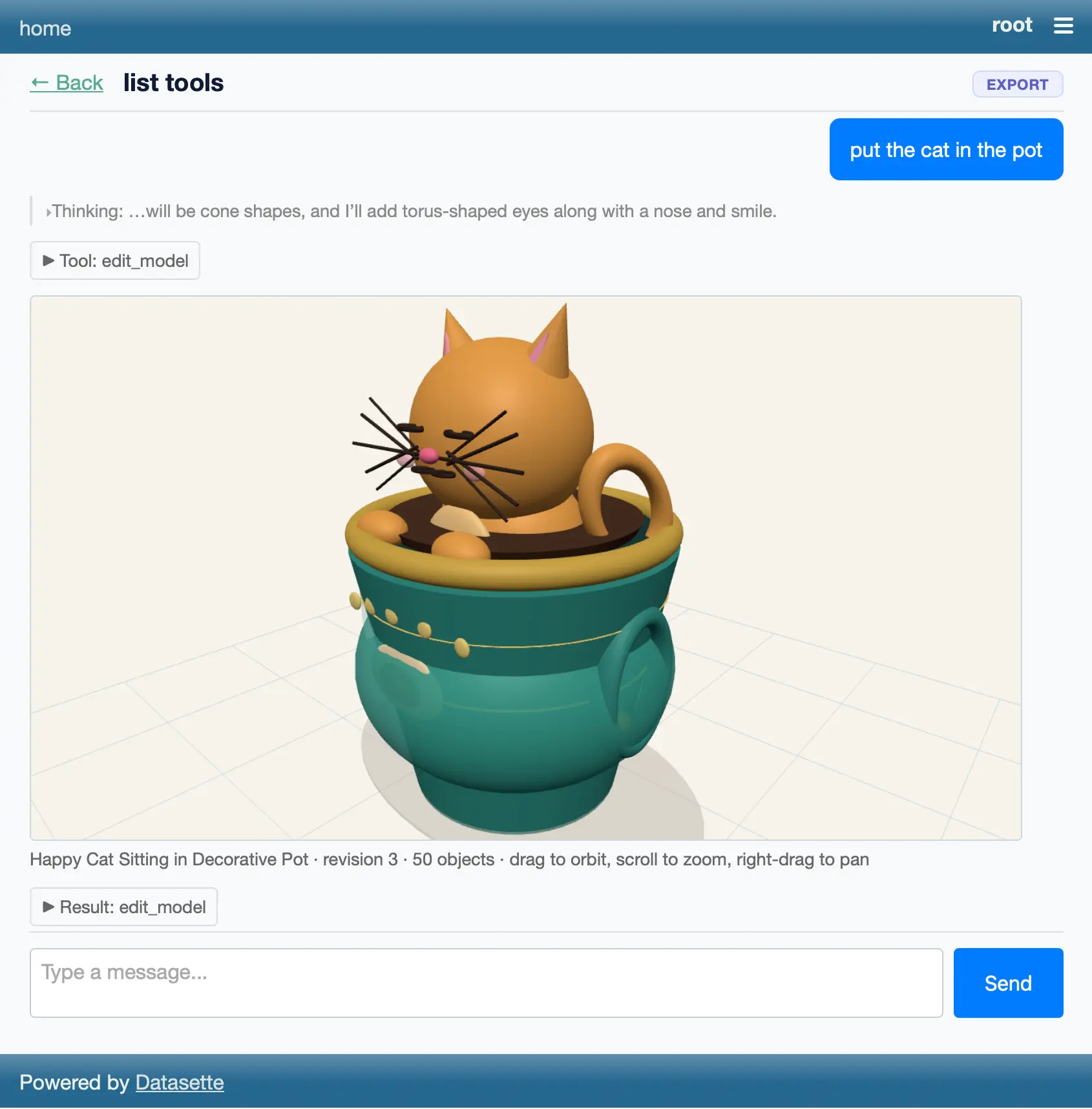
Bit of a wild vibe coding experiment with Claude Fable 5. I told it to "Build a plugin for datasette agent which adds a tool for creating a 3D model and then making edits to that model" (full prompt here) and... it did.
mcp-explorer call $URL tool ... --jsonnow returns just the JSON from the tool result. The new--rawoption provides the more detailed MCP JSON that was previously returned by--json. #1
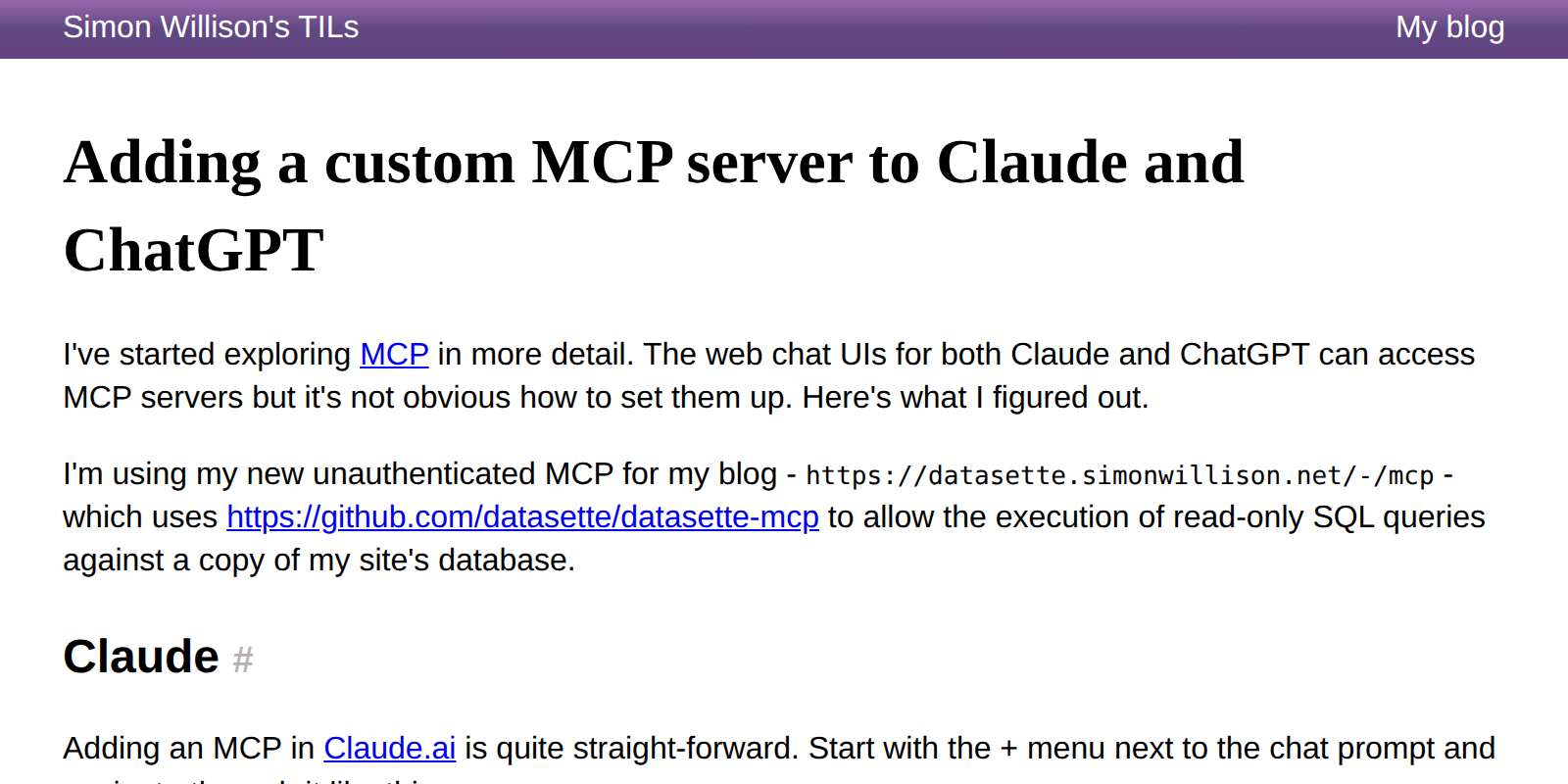
Connecting a custom MCP server to Claude and ChatGPT's standard chat interfaces is possible, but can take quite a few steps.


I back-ported a fix for table.delete_where() that shipped in version 4.


We took some visiting family to Pier 39 to see the sea lions. They're somehow always even more fun than I remember them being last time.


Julia Evan's, in Learning a few things about running SQLite:
Maybe one day I’ll learn to read a query plan.
Big same.... which inspired me to have Fable build this interactive explain tool, which runs SQLite in Python in Pyodide in Web Assembly in the browser and adds a layer of explanation to the results of both EXPLAIN and EXPLAIN QUERY PLAN.
Approach with caution, since I don't know enough about SQLite query plans to verify the results myself, but it seems cromulent enough to me.
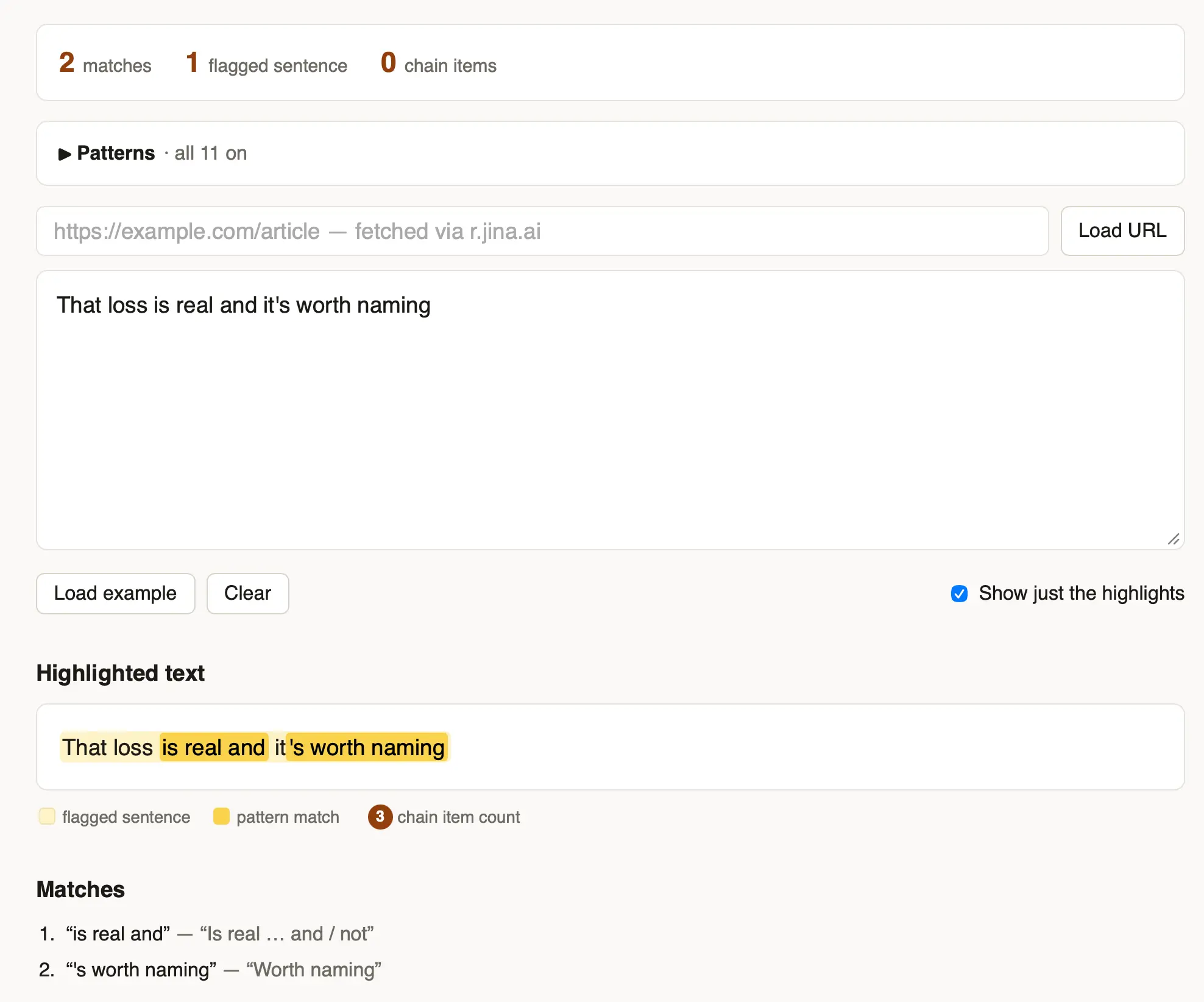
I got frustrated reading yet another article that was crammed with the clichés of LLM-generated writing - "no fluff, no filler, no jargon" type stuff - so I had Fable 5 vibe code up this app for highlighting ten common patterns that show up in that sort of writing.


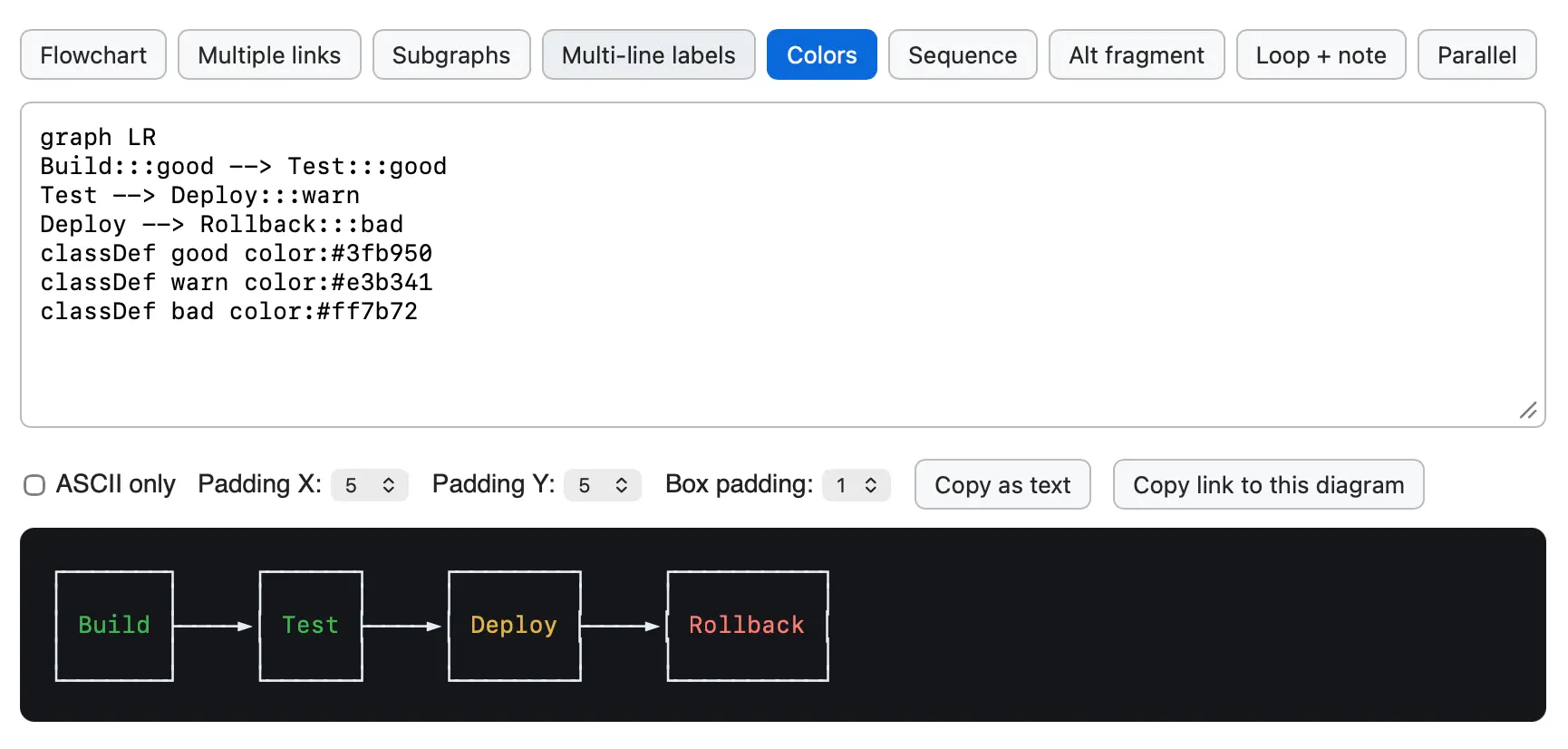
After building the Mermaid to ASCII tool based on Grok Build's Rust code I learned that there's an older, more fully-featured Go library called AlexanderGrooff/mermaid-ascii that implements a similar pattern, so I had Claude Fable 5 compile that one to WebAssembly as well so I could compare the two.
This one includes support for colors!


While exploring the codebase for the newly open-sourced Grok CLI coding agent I came across xai-grok-markdown/src/mermaid.rs, a "self-contained terminal renderer for Mermaid diagrams" written in Rust.
I figured it would be fun to try that out in a browser via WebAssembly. Here's the prompt I ran in Claude Code for web (Fable 5), and this is what the resulting tool looks like:
![Screenshot of a Mermaid diagram editor showing source code and rendered flowchart. The code reads: graph TD Start[Request received] --> Auth{Authenticated?} Auth -->|yes| Rate{Rate limit OK?} Auth -->|no| R401[401 Unauthorized] Rate -->|yes| H(Handle request) Rate -->|no| R429[429 Too Many Requests] H -.-> Log[Audit log] H ==> Resp[200 OK]. Below the code are controls labeled Max width: Fit output panel, Copy as text, and Copy link to this diagram. The rendered flowchart on a dark background flows top-down: Request received leads to Authenticated?, which branches yes to Rate limit OK? and no to 401 Unauthorized. Rate limit OK? branches yes to Handle request and no to 429 Too Many Requests. Handle request connects with a dotted arrow to Audit log and a thick arrow to 200 OK.](https://static.simonwillison.net/static/2026/grok-mermaid-wasm.png)


A minor release. Performance and documentation improvements to the permissions system, plus I reverted a cosmetic API change which caused almost every existing plugin test suite to break.
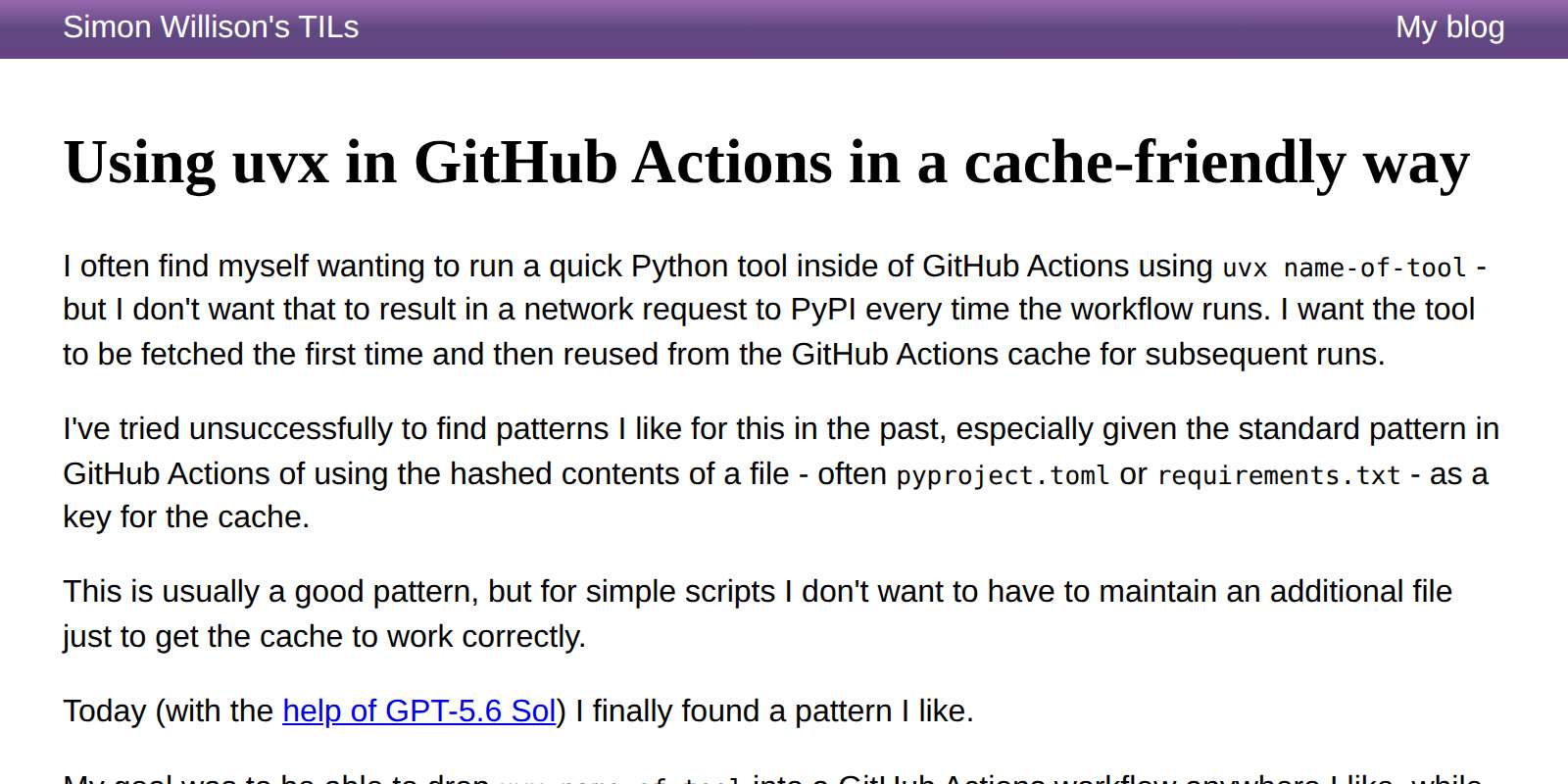
I finally found a cache-friendly recipe for using uvx tool-name in GitHub Actions workflows that I like.
The trick is setting a UV_EXCLUDE_NEWER: "2026-07-12" environment variable at the start of the workflow and then using that as part of the GitHub Actions cache key. This means any uvx tool-name commands will resolve to the most recent version as-of that date, and you can bust the cache and upgrade the tools by bumping the date in the future.
My goal here is to use Python tools in GitHub Actions without every run of the workflow hitting PyPI to download a fresh copy of the tool and its dependencies.
Update: Here's an existing issue against the astral-sh/setup-uv repository requesting that they switch the default to cache rather than purge wheels from PyPI.


Some minor improvements, mainly around command option consistency and making the server: mechanism used by both shot-scraper video and shot-scraper multi work if the server takes longer than a second to start serving traffic.
server:processes used byshot-scraper multiandshot-scraper videonow wait up to 30 seconds for the target URL to accept connections, polling for port availability and replacing the previous fixed one-second delay. #197- The
shot-scraper,html,accessibilityandharcommands now have a--js-fileoption for loading JavaScript from a local file, standard input orgh:username/script, as an alternative to--javascriptwhich accepts the string of JavaScript directly as an argument. #192shot-scraper multisupports the equivalentjs_file:YAML key.- The
shot-scraper javascriptandshot-scraper htmlcommands now have a--timeoutoption for consistency with other commands. #118
Mainly a fix for an edge case that regular Claude chat spotted while experimenting with the 4.1 release to answer a question about ON DELETE.
table.transform()now raises aTransactionErrorif called while a transaction is open withPRAGMA foreign_keysenabled and the table is referenced by foreign keys with destructiveON DELETEactions -CASCADE,SET NULLorSET DEFAULT. The pragma cannot be changed inside a transaction, so previously dropping the old table as part of the transform could fire those actions and silently delete or modify referencing rows. See Foreign keys and transactions for details and workarounds. (#794)- The CLI and Python API documentation now cross-reference each other: CLI sections link to the equivalent Python API functionality and Python API sections link back to the corresponding CLI command. (#791)
The first dot-release since 4.0 a few days ago, introducing a number of minor new features.
sqlite-utils insertandsqlite-utils upsertnow accept a--codeoption for providing a block of Python code (or a path to a.pyfile) that defines arows()function orrowsiterable of rows to insert, as an alternative to importing from a file. (#684)
sqlite-utils already had features that allow you to pass blocks of Python code as CLI arguments, for example this one for the sqlite-utils convert command:
sqlite-utils convert content.db articles headline '
def convert(value):
    return value.upper()'
Allowing blocks of code to generate new rows directly was on obvious extension of that pattern:
sqlite-utils insert data.db creatures --code '
def rows():
    yield {"id": 1, "name": "Cleo"}
    yield {"id": 2, "name": "Suna"}
' --pk id
sqlite-utils insertandsqlite-utils upsertnow accept--type column-name typeto override the type automatically chosen when the table is created. This is useful for CSV or TSV columns such as ZIP codes that look like integers but should be stored asTEXTto preserve leading zeros. (#131)
A long-standing feature request which turned out to be a simple implementation.
- New
table.drop_index(name)method andsqlite-utils drop-indexcommand for dropping an index by name. Both acceptignore=True/--ignoreto ignore a missing index. (#626)sqlite-utils querycan now read the SQL query from standard input by passing-in place of the query, for exampleecho "select * from dogs" | sqlite-utils query dogs.db -. (#765)
Two more small features. I had Codex review all open issues and highlight the easiest ones!
sqlite-utils upsertcan now infer the primary key of an existing table, so--pkcan be omitted when upserting into a table that already has a primary key.
Another Codex suggestion, an obvious missing CLI feature from a Python library improvement that shipped in the 4.0 release.
table.transform()andtable.transform_sql()now acceptstrict=Trueorstrict=Falseto change a table’s SQLite strict mode. Omitting the option preserves the existing mode. (#787)- The
sqlite-utils transformcommand now accepts--strictand--no-strictto change a table’s strict mode. (#787)
These two were inspired by Prefer STRICT tables in SQLite by Evan Hahn, which did the rounds on Hacker News today. Evan pointed out that:
Unfortunately, I don’t think there’s a way to ALTER a table to make it strict. I think you have to copy the data out of the non-strict table into the strict one.
That's exactly what the sqlite-utils transform mechanism does, so I extended it to add the ability to switch tables from strict to non-strict and vice-versa.
Here's the GPT-5.6 Sol xhigh Codex transcript I used to implement those new strict table features. One of the most useful prompts I ran was this one:
use uv run python -c and manually exercise the new .transform(strict=) option, see if you can find any edge-cases or bugs
Effectively telling the model to manually test its work, outside of the automated tests it had already written. This turned up two minor issues that we then fixed.


