Elsewhere
Release TIL Research Tool Museum Sighting Comment
Filters: Sorted by date
3,580 results
«« first
« previous
page 23 / 120
next »
last »»
Tool
DOT File Renderer
— Render DOT graph files into visual diagrams directly in your browser. Paste your DOT syntax into the textarea and the graph will automatically render as an SVG visualization, with live updates as you edit. Share your graphs by copying the URL, which encodes your DOT content in the fragment identifier.
TIL
Testing different Python versions with uv with-editable and uv-test
— A quick `uv` recipe I figured out today, for running the tests for a project against multiple Python versions.
TIL
Testing different Python versions with uv with-editable and uv-test
— A quick `uv` recipe I figured out today, for running the tests for a project against multiple Python versions.
Tool
JSON String Extractor
— Extract all strings from JSON data that exceed 20 characters in length or contain line breaks. This tool is useful for identifying longer text content within complex JSON structures for review, localization, or documentation purposes. Simply paste JSON into the textarea to automatically display matching strings along with their object paths, and use the copy button to quickly transfer any string to your clipboard.
TIL
Error 153 Video player configuration error on YouTube embeds
— I recently noticed that almost every YouTube video on [my blog](https://simonwillison.net/) was displaying the same mysterious error message:
Tool
Keyboard Debugger
— Monitor keyboard input in real-time with this interactive keyboard debugger that displays pressed keys and their corresponding key codes. Press any keys on your keyboard to see them appear with visual feedback, including support for simultaneous multi-key presses and special key representations. This tool is useful for testing keyboard functionality, debugging input handling, and understanding key event properties like key name, code, and keyCode values.
Tool
MicroPython Code Executor
— Execute Python code in a sandboxed MicroPython WebAssembly environment with output displayed in real-time. Code is automatically saved to the URL for convenient sharing and persistence, and the environment supports JavaScript interoperability including the `fetch()` API for making HTTP requests. Built-in examples demonstrate common programming patterns from basic operations to working with APIs.
Tool
NumPy Vectors & Matrices — Pyodide Lab
— Execute NumPy vector and matrix operations directly in your browser using an interactive lab powered by Pyodide. Work through five hands-on exercises covering elementwise operations, dot products, matrix multiplication, broadcasting, and indexing, then experiment freely in the playground sandbox with instant Python output.

Tool
GitHub account lookup
— Look up GitHub user profiles and account information by username or numeric account ID. This tool fetches account details from the GitHub REST API, displaying information such as the user's name, login handle, account ID, creation date, profile avatar, and API response latency. The application stores rate limit information locally to prevent repeated requests during API throttling periods.

Tool
AI Adoption Rolling Avg — Pyodide
— View AI adoption trends across different firm sizes by analyzing survey data on artificial intelligence usage in the workplace. This page runs a Python analysis using Pyodide to fetch employment survey data, calculate six-survey rolling averages, and generate an interactive visualization showing adoption rates by company size from November 2023 through August 2025. Download the resulting chart as PNG or SVG for further use or presentation.
Tool
Pyodide Bar Chart Demo (pandas + matplotlib)
— Execute Python code directly in your browser with Pyodide, a WebAssembly-based Python runtime. This demo loads pandas, numpy, and matplotlib in the client to generate a bar chart from sample data and display it as a rendered image—no server required. The first run may take a few seconds as the necessary libraries are downloaded from CDN, but subsequent executions run instantly from your browser's cache.
Tool
Devon Lane Driving Simulator
— Navigate the treacherous single-track lanes of rural Devon in this interactive driving simulator, where you must manage your sanity while encountering cyclists, tractors, caravans, and other obstacles. Each encounter presents a unique challenge requiring a dice roll to succeed, with your choices affecting both your progress and mental state as you attempt to travel increasingly longer distances.

Museum
V&A East Storehouse
— Parkes Street, Queen Elizabeth Olympic Park, Hackney Wick, London, E20 3AX
Tool
Rich text to markdown
— Convert rich text formats into properly formatted Markdown by pasting content into the text area. The tool automatically detects and converts formatting such as bold, italic, links, code blocks, headings, tables, and lists while sanitizing content to remove potentially unsafe elements. Supports rich text from multiple sources including HTML, RTF, and plain text formats, with options to view the output as rendered markdown or raw markdown code, and to add blockquote prefixes to every line.
Tool
Hacker News comments for a user
— View Hacker News comments for any user by entering their handle to retrieve up to 1,000 of their most recent comments. The tool displays each comment with its date, the story title, links to both the comment and the thread, and the full comment text in an easily readable format. You can then copy all the results to your clipboard for further analysis or archiving.
TIL
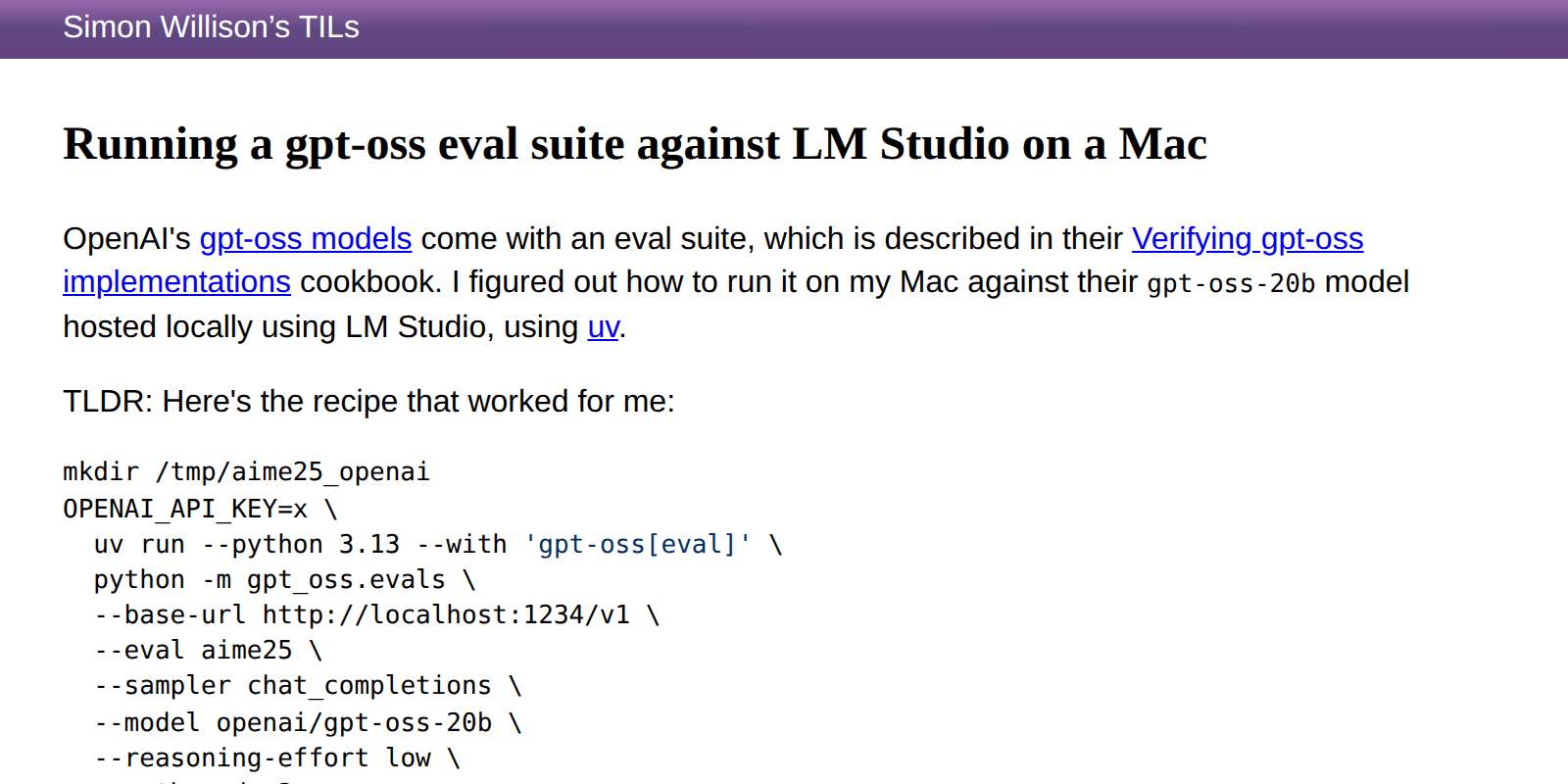
Running a gpt-oss eval suite against LM Studio on a Mac
— OpenAI's [gpt-oss models](https://github.com/openai/gpt-oss/) come with an eval suite, which is described in their [Verifying gpt-oss implementations](https://cookbook.openai.com/articles/gpt-oss/verifying-implementations) cookbook. I figured out how to run it on my Mac against their `gpt-oss-20b` model hosted locally using LM Studio, using [uv](https://github.com/astral-sh/uv).
«« first
« previous
page 23 / 120
next »
last »»
Comment My comment on encode/httpx: Version 1.0 public call. — GitHub
I'm not thrilled about the 1.0 version changing the design of HTTPX so thoroughly - it looks like it's splitting
httpxandahttpxinto entirely separate packages.Python's single biggest weakness when it comes to dependency management is that it isn't possible to install two different versions of a package in the same environment. This makes backwards-incompatible changes really painful, because they lead to a prolonged period where different third-party dependencies may themselves require conflicting versions of another dependency.
This happened with Pydantic 2 and it was miserable - there was a solid 8-12 month period where depending on Pydantic could actively harm a project if that project also depended on something else that used Pydantic 1 - you couldn't upgrade to 2 until your dependency also upgraded to 2, and if you wanted to depend on libraries X and Y where X depended on Pydantic 1 and Y depended on Pydantic 2 your project just couldn't be built using those libraries!
I fear that an HTTPX breaking change could be even more painful than the Pydantic one was.
Consider two of the most popular libraries for interfacing with LLMs - Anthropic and OpenAI's.
https://github.com/anthropics/anthropic-sdk-python/blob/main/pyproject.toml depends on
"httpx>=0.25.0, <1".https://github.com/openai/openai-python/blob/main/pyproject.toml depends on
"httpx>=0.23.0, <1".There are plenty of other projects that depend on both - anything that attempts to provide an abstraction layer over multiple LLM providers, for example (cough).
Now what happens if HTTPX 1.0 comes out with a breaking API, and Anthropic upgrade to it but OpenAI don't? Any package that depends on both of those underlying packages will be stuck in a no-mans land - it will be forced to stick with HTTPX<1.0 and pin the older version of the Anthropic package, then will be blocked waiting for OpenAI to ship their upgrade.
It's not just LLM packages though. Show me Python software that doesn't use an HTTP client these days! https://github.com/encode/httpx/network/dependents lists 527,282 repositories and 13,654 packages. Will every one of those need to make changes to handle the switch to HTTPX 1.0?
I understand that complaining about a 0.x to 1.0 having breaking changes is distinctly uncool of me. That's the whole point of a pre-1.0 version number, at least for projects that follow SemVer.
I have to admit: I had optimistically hoped that HTTPX wasn't going to follow SemVer given the Python ecosystem's uniquely painful response to breaking changes in major packages that other packages depend on.
If I'd know this was going to happen I would have tried to find some other post-1.0 HTTP library to build all of my stuff around!
Solution: call the package httpx2!
I don't like complaining without offering solutions, so here's the one way I can see that this change could be implemented while avoiding all of that pain: change the package name.
If httpx2 came out with this new design, leaving httpx in place, all of these problems go away.
Some projects can switch to
httpx2as their client library. Old projects can stick withhttpx. If my project needs to mix and match dependencies that don't agree on that version then it's fine - I can have bothhttpxandhttpx2installed in the same environment at the same time.Mark
httpxas deprecated and no longer supported (and/or offer to keep on patching it in exchange for paid sponsorship of the work). Makehttpx2clearly the better option.That way projects get to switch to
httpx2- and handle the breaking changes - on their own time and without causing any pain for other projects that depend on them but are not yet ready to upgrade their other uses.I really, really wish Pydantic had done this with their Pydantic 2 upgrade.
I get that it feels ugly to have a
2on the end of the name -jinja2got stuck with that seventeen years ago. But I think that tiny bit of ugliness may be a price to pay for shipping significant breaking changes to a library with 500,000 existing users.# 20th August 2025, 3:07 am / open-source, packaging, python, httpx, pydantic